Blog

Invoicing

Practical guides to running your business on Mac, iPad and iPhone: invoicing, projects, time tracking and working with the AI assistant.

  1. FreshBooks alternatives for service businesses

    Which FreshBooks alternative fits depends on what sits around your invoices. Swiftly Workspace suits service teams that want projects, approved timesheets and a native Mac app with their invoicing. Harvest suits teams that start from the timer, and Xero suits teams that want the books in the same tool.
  2. Swiftly Workspace vs FreshBooks: an honest comparison
    FreshBooks suits freelancers and small teams who want estimates and time tracking on iPhone and iPad. Swiftly Workspace suits service businesses that want customers, invoices, projects and approved timesheets in one app on iPhone, iPad and Mac.

  3. How to write a polite payment reminder (with examples)

    A polite payment reminder names the invoice, the amount and the due date, assumes an honest delay, and makes paying easy. Keep the opening one friendly, make the second firmer with a date, and keep the final notice factual about what happens next.

  4. Belgian structured communication (OGM/VCS) explained

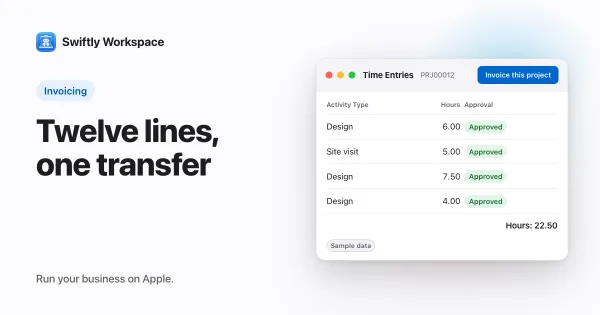
    The Belgian structured communication, known as OGM or VCS, is a 12-digit payment reference written as +++123/4567/89002+++. The last two digits are check digits: the remainder of the other ten divided by 97. It lets a seller match a payment to its invoice without guesswork.

  5. SEPA Direct Debit for small businesses: mandates and batches

    To collect by SEPA Direct Debit, a business needs a Creditor Identifier, a signed mandate from each payer, and a bank that accepts collection files. Each run is sent as a pain.008 batch, and under the Core scheme payers can ask for a refund for eight weeks.

  6. What is camt.053? Matching bank statements to invoices

    camt.053 is the ISO 20022 XML bank statement: every booking on your account with its amount, date and references. Matching uses those references, such as the invoice number or a structured payment reference, to tie each incoming payment to the open invoice it pays.

  7. Recurring supplier bills: scheduling costs that repeat

    A recurring supplier bill is a cost that comes back on a fixed rhythm, such as rent or a software subscription. Schedule a draft for each expected bill, check it against the supplier's actual invoice when it arrives, then approve and pay it.

  8. Customer-specific prices: one item, a rate per client

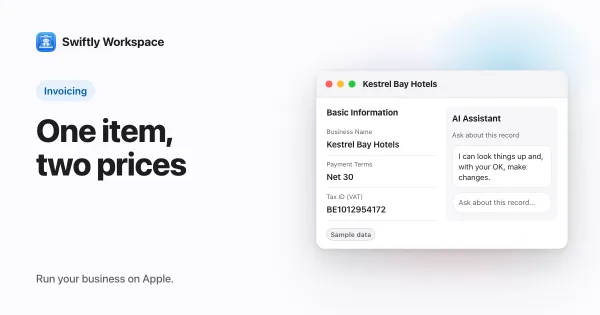
    Customer-specific pricing records the price you agreed with one customer for one item, optionally for a quantity range and a period. In Swiftly Workspace you keep these prices on the customer's Special Pricing tab, and that customer is charged the special price on their invoices.

  9. AI previews you can check: invoice and table artifacts

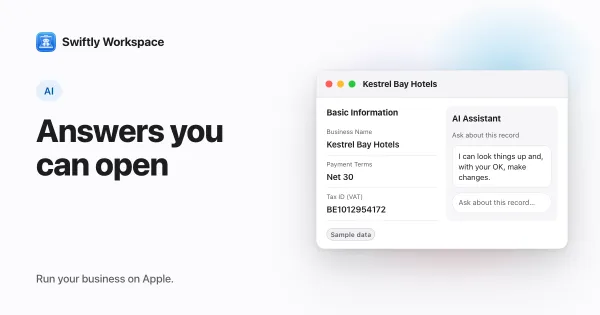
    An artifact is a preview the AI shows beside its answer in Conversations: an invoice, credit note or proforma, a payment receipt, a table or a report. Open, download or copy it; it is a view, not a record. Opening, downloading or closing one changes nothing in your workspace.

  10. Moving open invoices and payments to a new invoicing tool

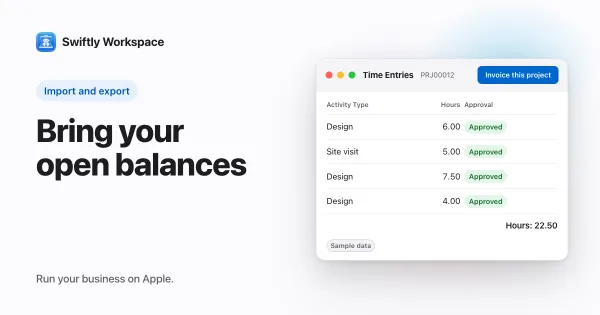
    To move open invoices to a new tool, import each fully unpaid invoice with its old number, dates and total, and settle partly paid ones in the old tool before you switch. Swiftly Workspace's Data Import brings them in as finalized invoices that keep their numbers.

  11. Make your invoices yours: brand color and document language

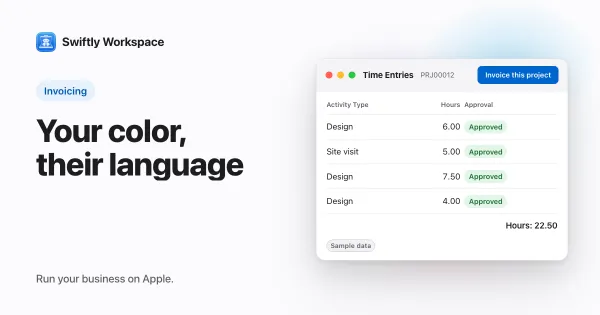
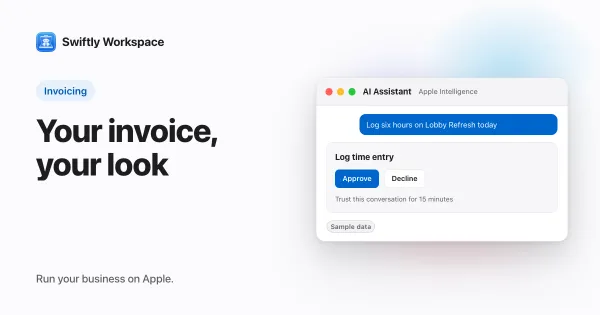
    A branded invoice carries your accent color and your customer's language. In Swiftly Workspace you set both in Administration under Document Theme: the brand color replaces the theme's accent on your invoice, credit note and proforma PDFs, and labels follow each customer's preferred language, else the company's Default Document Language.

  12. How to show a VAT breakdown per rate on an invoice

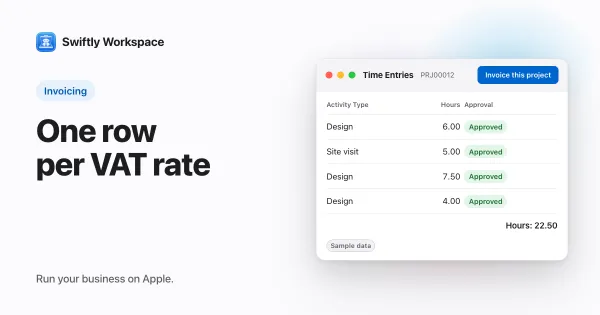
    To show a VAT breakdown per rate, print one row per VAT rate with the taxable amount, the rate and the VAT. In Swiftly Workspace you give each line its tax rate, and the finalized invoice's PDF, in the Modern or Classic layout, prints that table under Tax breakdown.

  13. What is an EPC QR code? A plain guide for euro payments

    An EPC QR code is a standard QR code, defined by the European Payments Council, that holds the details of a SEPA credit transfer: the payee's name, IBAN, the amount and a reference. A payer scans it in their banking app, which pre-fills the transfer for them to confirm.

  14. Your business on iPhone: what to do between meetings

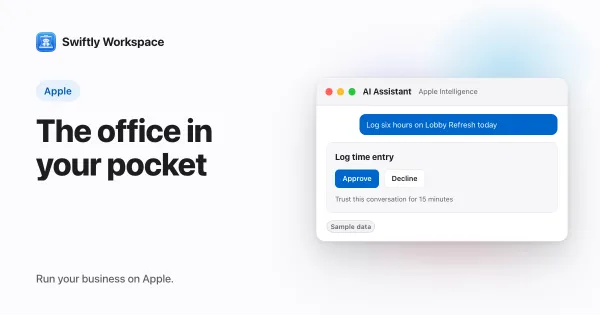
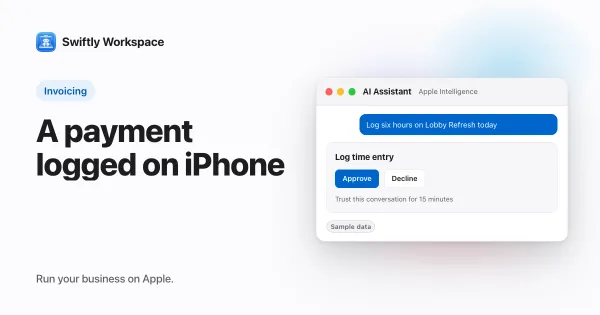
    An iPhone handles the short jobs that keep a small business moving: send an invoice, record a payment, log hours, add a customer or ask a quick question about your figures. In Swiftly Workspace each of those takes a minute or two; long admin sessions still suit a Mac.

  15. Getting paid faster: habits for small service businesses

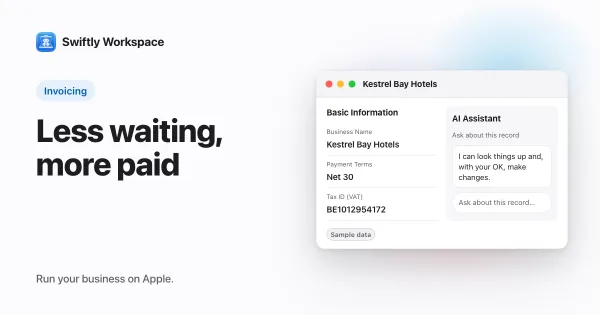
    To get paid faster, invoice the day the work is done, state the due date and how to pay, make paying a matter of seconds, follow up on a fixed schedule, and match each payment to its invoice so you always know who still owes you.

  16. Change your invoice layout and brand color on Mac

    On a Mac, click Administration in the sidebar, then Document Theme. Choose a theme, a brand color, a Default Document Language and the Invoices layout, then click Save as Company Default. The PDF Preview window lets you compare layouts before you save.

  17. Choosing an invoice layout: Modern, Classic or Receipt

    Pick the invoice layout your customers read most easily: Modern suits many service businesses, Classic suits formal accounts departments, and Receipt suits small or already-paid sales. In Swiftly Workspace you set one as the company default under Document Theme.

  18. A consultant's week in one workspace: from call to invoice

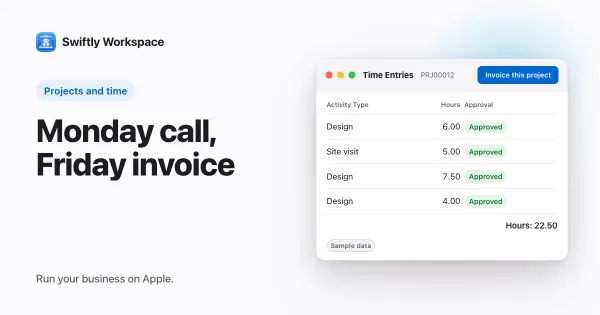
    Software for consultants should let you run the whole week in one workspace: add the client and the project after the call, log hours against it, submit the week for approval, turn approved hours into a draft invoice, send the PDF and record the payment. Swiftly Workspace works this way on iPhone, iPad and Mac.

  19. Scan to pay: a SEPA QR code on your euro invoices

    A SEPA QR code (or EPC QR code) holds your name, IBAN, the amount due and the payment reference, so a customer pays by scanning it in their banking app. Swiftly Workspace prints one on the PDF of finalized euro invoices with an amount due.

  20. Tracking supplier bills next to customer invoices

    Track supplier bills the way you track customer invoices: one record per bill, with the supplier's invoice number, due date and what has been paid. In Swiftly Workspace, bills are vendor documents under Finance, and vendor payments are allocated to them.

  21. How to record a payment and allocate it on Mac

    On a Mac, open the invoice and click its Payments tab. Paid In Full records a payment for the exact amount still owed. For other payments, record the payment under Customer Payments, then click Record Payment on the invoice and pick it.

  22. How to record a payment and allocate it on iPhone or iPad

    On iPhone or iPad, open Finance, then Customer Payments, tap + and enter the customer, payment type, amount and date. Then open the payment, choose Allocate from the ⋯ menu, check the invoice Auto-Match suggests and save.

  23. How to allocate customer payments to invoices

    To allocate a customer payment, link it to the open invoice it pays and enter the amount. A partial payment leaves the rest outstanding until the next payment is allocated to the same invoice. Auto-Match suggests matching invoices from the payment's reference or amount.

  24. Supplier records: bank details, tax numbers and terms

    A good supplier record holds the supplier's legal name, VAT or tax number, address, a contact for invoices, payment terms and bank details. Keep suppliers in their own list next to your customers, and confirm any bank change before you save it.

  25. Build a product and service catalog: units, categories, tax

    A product and service catalog is the list of what you sell, each entry with a name, a type, a unit of measure, a category, a list price and a tax rate. Set it up once and every invoice line starts from the same facts instead of retyped text.

  26. Proforma invoice vs invoice: what is the difference?

    A proforma invoice is a preview of a sale: it shows the customer what they will pay, but it does not make payment legally due. An invoice is the final document that records the sale, creates the debt and, in many countries, supports the VAT on it.

  27. Setting member-level rates and volume discounts on projects

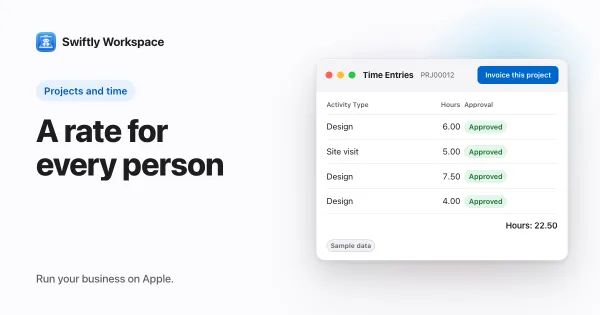
    In Swiftly Workspace, each project member has their own bill rate, cost rate and currency, set when you add them on the project's Members tab. Optional volume discounts lower that member's rate by a percentage once their hours on the project pass a threshold per day, week or month.

  28. Invoicing app or accounting software: which do you need?

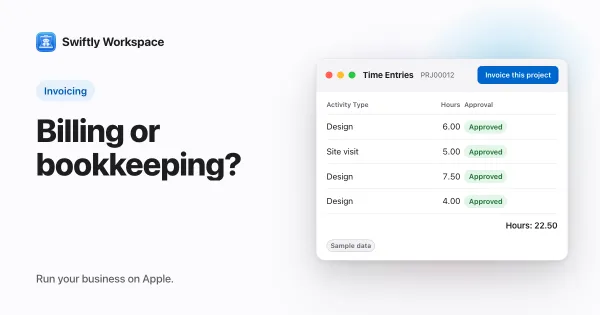
    Invoicing software creates invoices and tracks who has paid. Accounting software keeps the books: it records every transaction in accounts, reconciles them and prepares tax filings. Many small service businesses need both, with the invoicing app used every day and the books kept by an accountant.

  29. How to check an EU VAT number with VIES

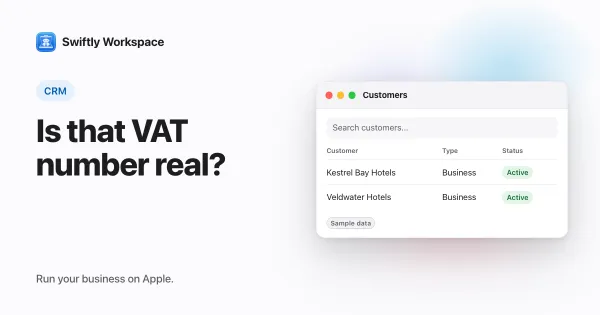
    To check an EU VAT number, enter it with its two-letter country prefix in VIES, the European Commission's VAT lookup. A valid answer means the number is registered for trade between EU countries. An invalid answer is a reason to ask the customer before you send an invoice.

  30. What is a credit note and when should you issue one?

    A credit note is a document that reduces or cancels an invoice you already issued. Instead of editing or deleting the original, you issue a separate, numbered document that refers to it and states the amount to take off, so both sides' records stay correct.

  31. Invoicing a project: invoice now or on a set frequency

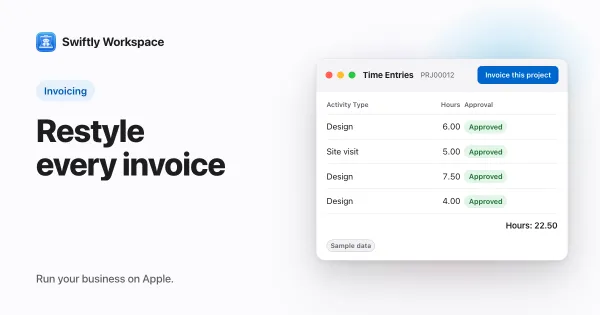
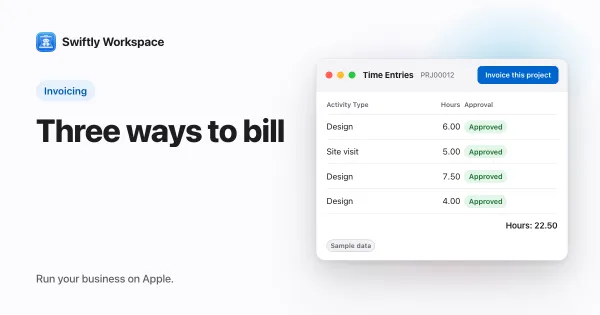
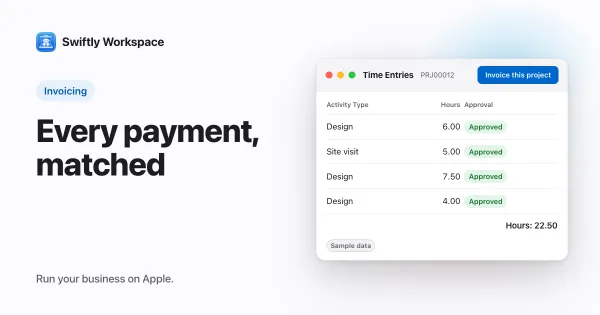
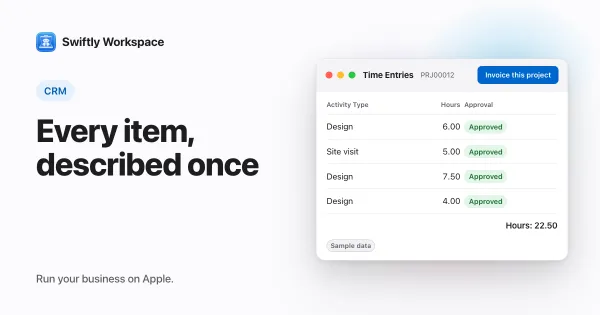
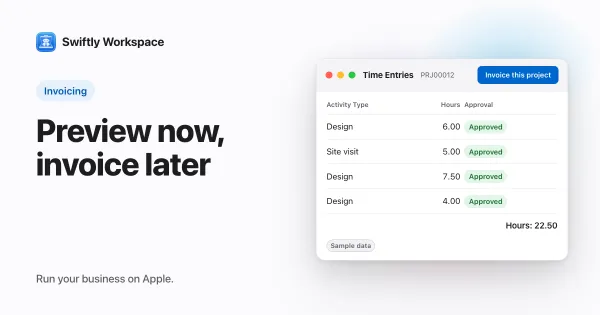
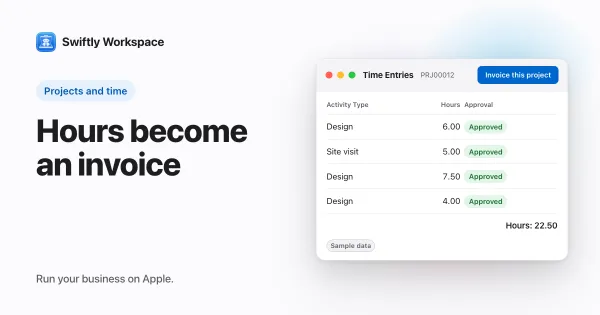
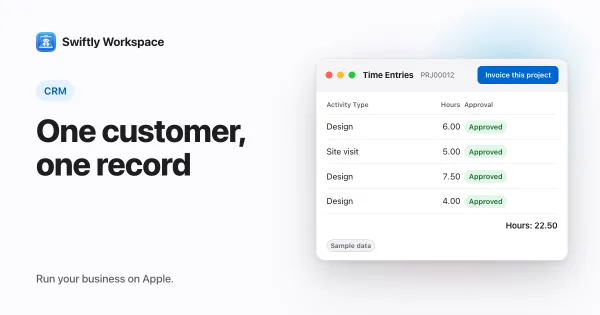
    In Swiftly Workspace, Invoice this project turns a project's approved billable hours that are not invoiced yet into a draft invoice for the project's customer. You check the draft and finalize it; the hours are marked as invoiced so they are never billed twice.

  32. How to create and finalize an invoice on Mac

    On a Mac, open Finance, then Customer Documents, click + and choose New Invoice. Pick the customer, create the draft, add lines in the invoice window, then click Finalize Document to number and lock it.

  33. Why a PDF invoice is not an e-invoice

    A PDF invoice is not an e-invoice. A PDF is a document for people to read, while an e-invoice is structured data, such as a UBL file following EN 16931, that the customer's software can read without retyping.

  34. Why a CRM with invoicing beats two separate tools

    A CRM with invoicing in the same app keeps one record per customer, so invoices, payments and project hours all point at the same data. Swiftly Workspace works this way on iPhone, iPad and Mac.

  35. Tamper-evident records: how hash chains protect data

    Did this invoice change since it was sent? A tamper-evident record answers that, because it cannot be changed without leaving a trace. A hash chain stores, with each record, a fingerprint of its contents plus the previous record's fingerprint, so editing an earlier invoice breaks every later link.

  36. Invoice numbering: sequential numbers, gaps and resets

    Invoice numbers should follow a sequence that identifies each invoice once and never twice. EU VAT rules ask for a sequential number in one or more series, many countries accept a yearly restart when the year is part of the number, and any gap should have an explanation.

  37. What must an invoice include? A checklist for EU sales

    An EU VAT invoice needs a date, a sequential number, both parties' names and addresses, your VAT number, a description and quantity of what you sold, the taxable amount, VAT rate and VAT due. Cross-border sales add the customer's VAT number and a reverse-charge note.

  38. Paying suppliers in one batch: pain.001 files explained

    A pain.001 file is the ISO 20022 message a business uploads to its bank to pay many suppliers at once. In the SEPA area it carries euro credit transfers: one paying account, an execution date, and one line per supplier with name, IBAN, amount and reference.

  39. Escalating payment reminders: how to build a dunning policy

    A dunning policy is a written schedule of payment reminders that gets firmer at each step: a courtesy note before the due date, a reminder just after it, a firmer reminder, a phone call, then a final notice that names the next action. Decide the steps, timing and exceptions in advance and apply them to every customer.

  40. Payment receipts and remittance advice: what to send

    A payment receipt confirms a payment: who paid, the date, the amount, the method, a receipt number and the invoices it settled. The paid business sends it. Remittance advice goes from payer to supplier and lists the invoices a payment covers.

  41. Recurring invoices for retainers and subscriptions

    A recurring invoice is a template plus a schedule: on each billing date the same customer, lines and terms produce a new invoice. Generating a draft that someone reviews before sending catches changes in price, scope or tax.

  42. Ledgers and VAT returns explained for service businesses

    A general ledger records every financial transaction in accounts; a VAT return reports the VAT you charged on sales minus the VAT you paid on purchases for a period. Your invoices and supplier bills feed both.