Blog

Security

Practical guides to running your business on Mac, iPad and iPhone: invoicing, projects, time tracking and working with the AI assistant.

  1. No ads and no cross-app tracking: what that means

    Swiftly Workspace shows no advertising and does not track you across other companies' apps or websites. Its privacy manifests on iPhone, iPad and Mac declare no tracking, and the app never asks for tracking permission. A few named services still receive data so the app can work.
  2. GDPR questions to ask before you choose a business app

    Before you put customer data in a business app, ask the vendor who is controller and who is processor, for its data processing agreement and sub-processor list, how data leaves the EEA, how it is secured, how long it is kept, and how you get it back out.

  3. AI assistants that remember, and how to make them forget

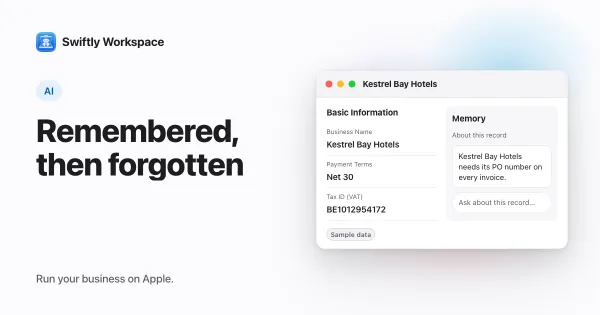
    AI memory lets an assistant keep short notes about a record or a conversation and use them next time. In Swiftly Workspace each note belongs to you and one assistant, you can see and delete it, and an admin can switch an assistant's memory off.

  4. What business data does an AI assistant send to the provider?

    It can be, once you know what is sent: a cloud AI assistant sends the provider your question plus the records it looked up. In Swiftly Workspace that goes to your company's own connected provider; with Apple Intelligence on the device, the text isn't sent to a cloud AI provider.

  5. Default roles for new members: open or locked down?

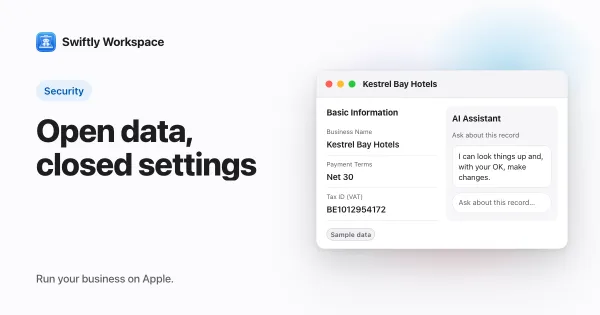
    A default role decides what a new team member can do on day one. Swiftly Workspace opens the business data and keeps administration closed: new members get the Standard role, with full access to records such as customers, invoices, projects and timesheets, but not to roles, members or company-wide settings.

  6. Auto-logout policies: signing out idle sessions

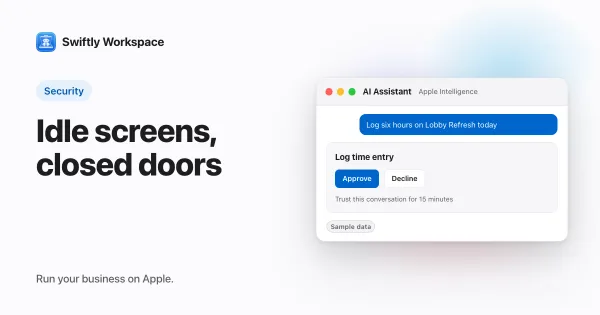
    An auto-logout policy ends a session after a set time without activity, with a warning before it happens. In Swiftly Workspace an admin sets it under Administration, then Security, as a default members may change or enforced for everyone. Out of the box it is on, at five minutes.

  7. How your AI provider key is stored: encryption at rest

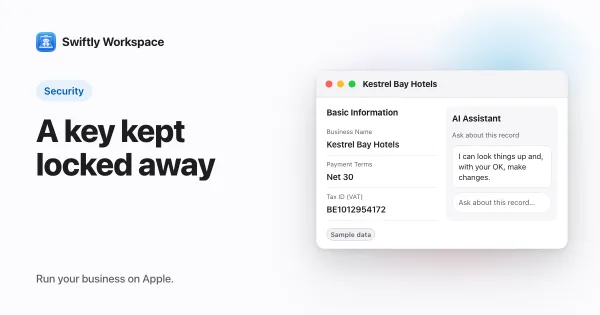
    When an admin adds an AI provider key in the app, Swiftly Workspace encrypts it with AES-256-GCM before storing it, using a secret kept outside the database. The server never sends the key back, not even partly hidden, and decrypts it just to call the provider for your company.

  8. AI changes that wait for your Yes: the approval card

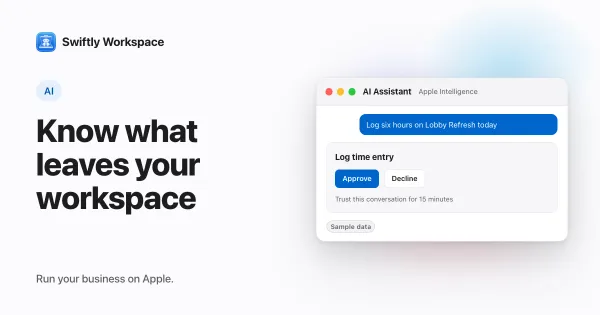
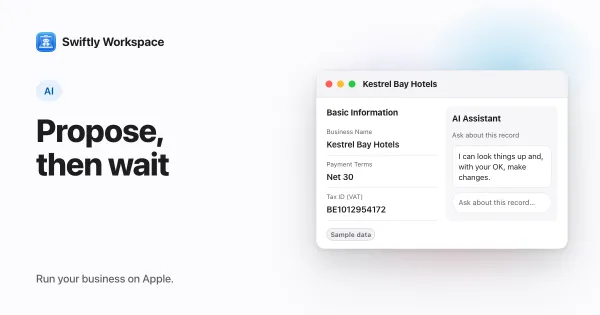
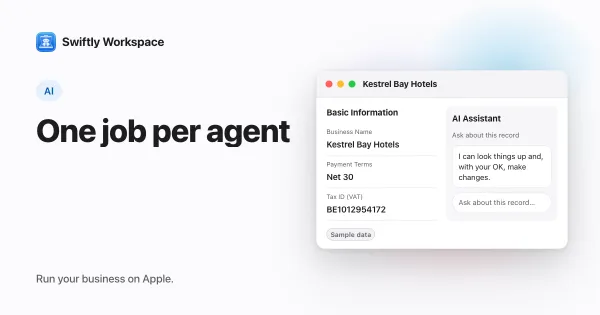
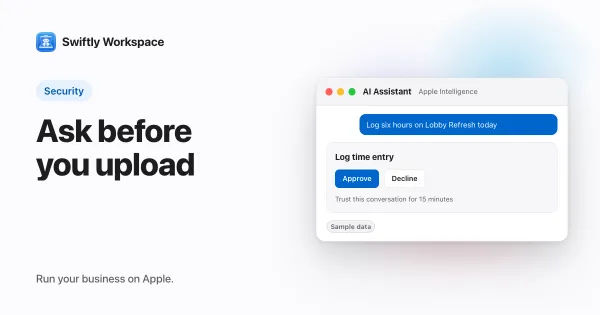
    In Swiftly Workspace, a record's AI assistant stops before changes like adding, updating, finalizing or recording and shows a card. Nothing is written until you answer Yes. In Conversations with Apple Intelligence on the device, each change asks for your approval unless you trust the conversation for routine changes.

  9. OpenAI, Gemini or Mistral? Choosing an AI provider

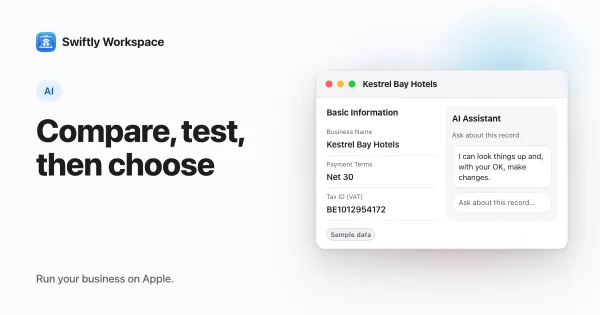
    Choose an AI provider for business data by comparing how it handles the data you send, how well its models do your everyday tasks, how it bills usage and how easy it is to switch. Then test two or three on real questions before you settle on one.

  10. Bring your own AI key: what it means for a business app

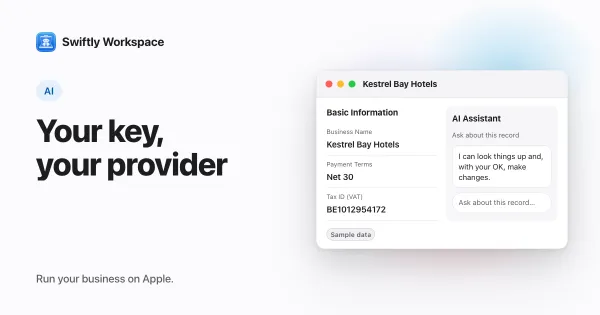
    Bring your own key means the app sends AI requests with your company's own provider key: you pick the provider, the provider bills you directly, and with no key there is no cloud AI. Swiftly Workspace works this way, with Apple Intelligence on device as the no-key option.

  11. Logging time on behalf of a teammate: when it makes sense

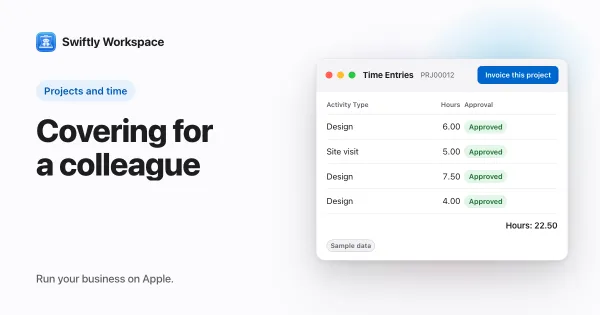
    Logging time on behalf of a teammate makes sense when someone is away, offline or unable to reach their timesheet. Swiftly Workspace ties it to the Manage Timesheets On Behalf permission, held by admins by default; the timesheet stays the teammate's and goes to their approvers.

  12. Who changed this customer? Using change history

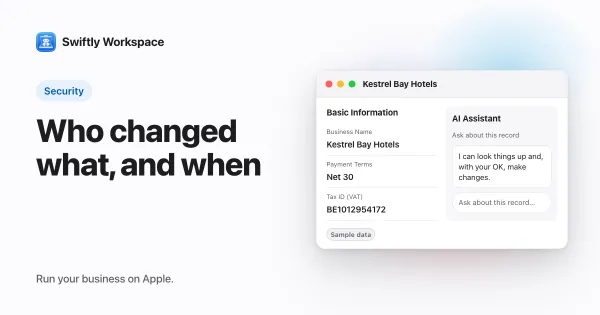
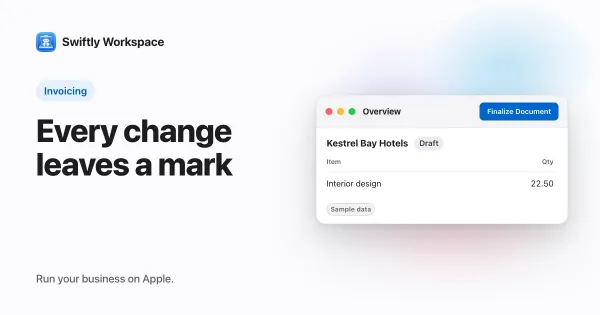
    A record's change history tells you who changed a customer. In Swiftly Workspace, the History tab on a customer lists its edits with the field, the old and new value, the person and the time, so you can answer the question without asking around.

  13. Setting up AI agents and tool access for your team

    To set up AI agents for a team, give each agent one job, write its instructions like a brief, switch on just the tools that job needs, and decide which agent answers where. In Swiftly Workspace on Mac, admins do this in Administration, under Agents and Agent Routing.

  14. Audit trails for small businesses: what to log and why

    An audit trail records who changed what in your business records, and when. A small business should log changes to customers, invoices, payments, projects and timesheets, each with the old value, the new value, the person and the time, in a log nobody can edit.

  15. Field-level permissions explained for small teams

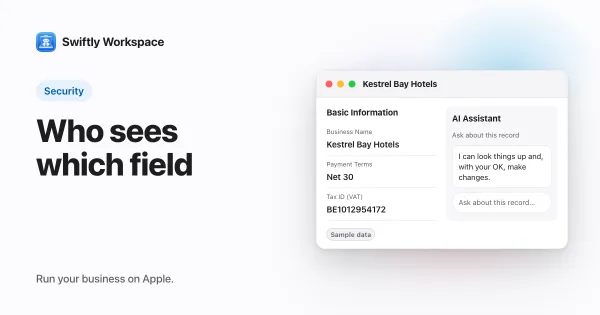
    Field-level permissions control single fields inside a record, such as a credit limit or bank details, on top of the record access a role gives. Each field gets its own Read and Update switch per role.

  16. Tamper-evident records: how hash chains protect data

    Did this invoice change since it was sent? A tamper-evident record answers that, because it cannot be changed without leaving a trace. A hash chain stores, with each record, a fingerprint of its contents plus the previous record's fingerprint, so editing an earlier invoice breaks every later link.

  17. SCIM provisioning explained: add and remove users

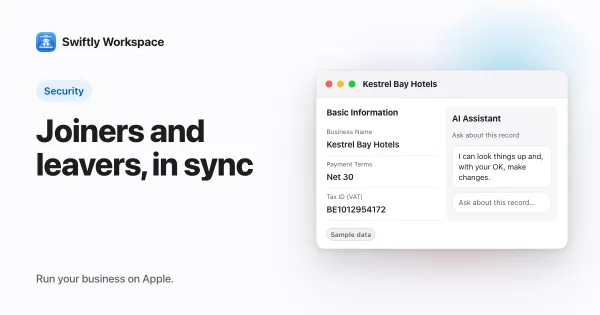
    SCIM is an open standard that lets your identity provider create, update and deactivate user accounts in other apps for you. Add someone in Google Workspace or Entra ID and their accounts appear; remove them and access goes too.

  18. SSO for a small business with Google Workspace or Entra ID

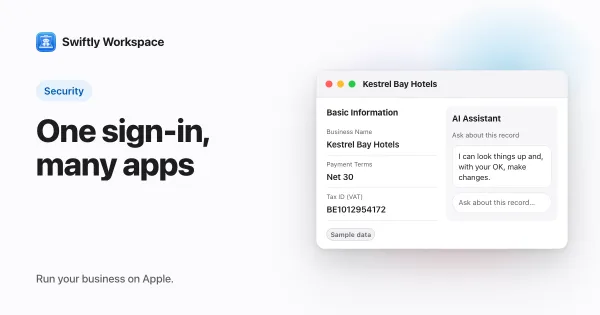
    Single sign-on lets your team use the company account they already have in Google Workspace or Entra ID to sign in to other business apps. One identity, one password policy, and one place to switch access off when someone leaves.

  19. Managed Apple Accounts and Apple Business Manager sign-in

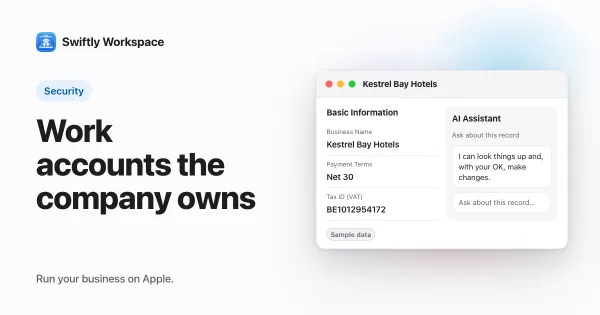
    Apple Business Manager is Apple's free web portal for managing an organization's devices, apps and work accounts. Managed Apple Accounts are Apple Accounts the organization owns. With federation, people sign in to them with their existing work identity, such as a Google Workspace account.

  20. SOC 2 vs ISO 27001: what they mean for a small vendor

    SOC 2 is an auditor's report on a vendor's security controls, built on AICPA criteria. ISO 27001 is an international standard for a security management system, with a certificate from an accredited body. Both show that controls were checked; neither proves a vendor is breach-proof.

  21. Two-factor authentication and passkeys for small teams

    Two-factor authentication adds a second proof, such as a code or a security key, on top of a password. Passkeys replace the password with a key held on the device and resist phishing. Turn on the strongest option each business account offers, email and finance before the rest.