AI assistants that remember, and how to make them forget
AI memory lets an assistant keep short notes about a record or a conversation and use them the next time you work there. In Swiftly Workspace each note belongs to you and one assistant, you can see and delete every note, and an admin can switch an assistant's memory off.
How assistant memory works
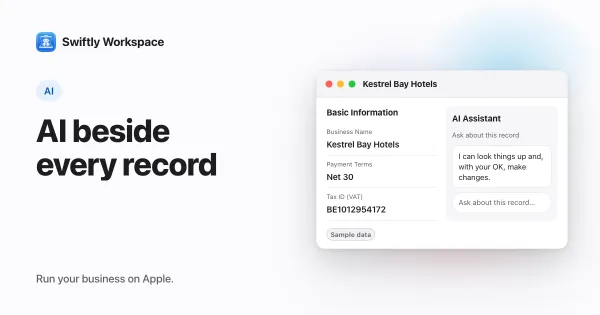
Say you tell the assistant in the Kestrel Bay Hotels customer window that Kestrel Bay always needs its PO number on invoices (sample data). The assistant keeps that as a note. The next time you open an assistant conversation on that customer, the note is already part of what it knows, so you don't have to repeat yourself.
- Record assistants keep notes in two places: About this record for the customer, project or document in front of you, and About this window for things that hold for that window whichever record is open.
- Main Chat keeps its own notes, listed under From your conversations, and can also recall the notes your record assistants kept.
- Relevant notes come back. When there are many, the assistant picks the notes that fit the current conversation instead of simply the newest.
- Your notes are yours. Memory is kept per person and per assistant. A note you create never changes how the assistant behaves for a colleague.
Who can see a note, and how to delete it
| Who | Where | What they can do |
|---|---|---|
| You | Show what the assistant remembers, in a record's assistant or in Main Chat | Read your own notes and delete any of them. A deleted note stops being used. |
| You, in the chat | The conversation itself | Ask the assistant to forget something, and it drops that note. |
| An admin | The Memory section of that assistant's settings (a Memory tab on Mac) | See each member's notes for that assistant and delete them. |
| An admin | Allow this agent to record memories | Turn it off and the assistant stops recording new notes and stops using the ones it has. Existing notes are kept, not deleted. |
If a list shows Nothing remembered yet, the assistant has not kept anything in that place.
Does a memory need your approval?
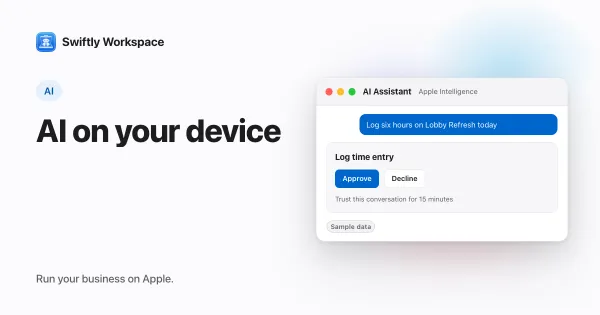
No. Remembering and forgetting don't show an approval card, because they change your own notes and not your business data. Changes to records are a different matter: in a record's AI assistant, changes like adding, updating, finalizing or recording wait for your Yes. Each time the assistant remembers or forgets something, that action is also logged. Our guide to the AI assistant in every record explains that approval step.
Where your notes go
Notes are stored in your Swiftly workspace. When an assistant answers, the relevant notes are added to its instructions, so they travel with your request to whichever AI runs that assistant: the provider your company connected with its own key, or Apple Intelligence on your device. See bring your own AI key and Apple Intelligence for business for how each option handles data, and what data is sent to an AI provider for the full picture.
Frequently asked questions
Can my colleagues see what the assistant remembers for me?
Not in their own lists: each member sees just their own notes. Anyone whose role lets them manage that assistant, such as an admin, can see each member's notes in its Memory settings and delete them.
How do I make the AI forget something?
Ask it to forget in the conversation, or open Show what the assistant remembers and delete the note. Either way, the assistant stops using it.
Can I turn AI memory off?
An admin can turn off Allow this agent to record memories for an assistant. While it is off, the assistant records no new notes and doesn't use the ones it already has. Those notes are kept, not deleted, and come back into use if memory is turned on again.
Is AI memory the same as chat history?
No. Chat history is the full conversation. Memory is a short list of notes the assistant decided were worth keeping, which you can read and delete one by one. For broader privacy questions, see GDPR questions to ask before customer data goes into an app and our privacy policy.
Run your business on Apple.
Create your account on the web, then set up your workspace in the app on your iPhone, iPad or Mac.
Create your account