Why a CRM with invoicing beats two separate tools
A CRM with invoicing in the same app keeps one record per customer, so every invoice, payment and billable hour points at the same name, address and payment terms. You type a customer once, and you see what they owe right next to who they are.
What goes wrong when CRM and invoicing live apart
Two separate tools work until the details start to differ. These are the usual cracks:
- Double entry. Every new customer is typed twice, and every change of address has to be made twice.
- Stale details on invoices. The CRM has the new billing contact, the invoicing tool still has the old one.
- Payments out of sight. Whoever talks to the customer can't see that two invoices are still open.
- Hours that travel by spreadsheet. Project time gets exported, cleaned up and retyped as invoice lines.
Two tools or one workspace
| Task | Two separate tools | One workspace |
|---|---|---|
| Add a customer | Twice, once per tool | Once |
| Change payment terms | Update both, hope they match | Change the customer; new invoices pick it up |
| See what a customer owes | Open the other tool | Same workspace as the customer |
| Bill project hours | Export, then retype | Approved hours become a draft invoice |
How it works in Swiftly Workspace
Swiftly keeps customers, invoicing and projects in one app on iPhone, iPad and Mac. Here is how the pieces connect:
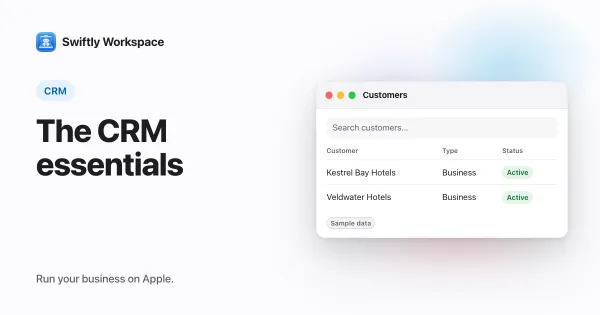
- Customers carry their addresses and contacts. Invoices, credit notes and proforma invoices are always made out to one of them.
- Payment terms come from the customer. A new invoice uses the customer's default terms unless you choose different terms on that invoice.
- Every invoice starts as a draft. You check it and choose Finalize when it is ready.
- Customer Payments are recorded against the customer and allocated to the open documents they pay.
- Vendors live in the same workspace, with their own vendor documents and vendor payments.
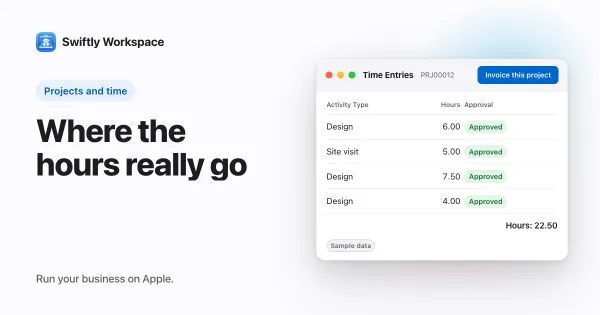
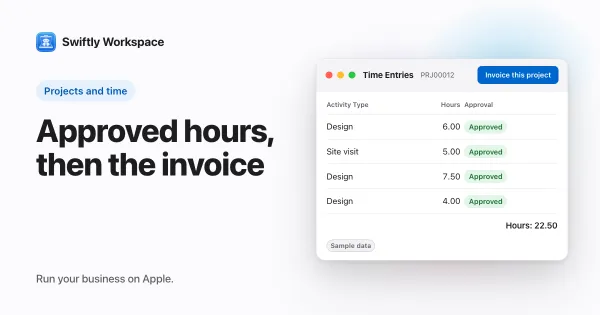
- Projects are organized as Phases, Work Packages and Tasks. Once hours are approved in Timesheet Approvals, Invoice this project gathers the approved billable hours that haven't been invoiced yet into a draft invoice for that project's customer.
- Roles decide who can see and change customer and invoice data.
If you bill for time, our guide to tracking billable hours pairs well with this one, and how timesheet approval works covers the step before the invoice.
When two tools still make sense
One app is not always the answer. If you send a handful of invoices a year and your customer list lives happily in your address book, a simple invoicing tool on its own may be all you need. And if your sales team runs a long pipeline with forecasting, a sales-focused CRM next to your invoicing can be the better fit. Our small business CRM guide helps you weigh that up, and running an agency from one app shows the all-in-one side.
Frequently asked questions
What is a CRM with invoicing?
It is customer management and invoicing in one app, sharing one customer record. The invoice reads the customer's details instead of keeping its own copy.
Can I invoice project hours straight from the CRM?
In Swiftly, yes. After hours are approved, Invoice this project turns the approved billable hours into a draft invoice. You review it and finalize it yourself.
Does an invoice go out by itself?
No. Every invoice in Swiftly starts as a draft, and a person finalizes it. Our invoice checklist lists what to check before you do.
Does it work on Mac as well as iPhone?
Yes. Swiftly has a native Mac app alongside the iPhone and iPad app, and the same customers and invoices appear on each. More on that in business software for the Mac.
Run your business on Apple.
Create your account on the web, then set up your workspace in the app on your iPhone, iPad or Mac.
Create your account