Business management software for Mac: what to look for
Good business management software for the Mac is a real Mac app that keeps customers, invoices, projects and time in one place, opens records in their own windows and also works on iPhone and iPad. Check the App Store label, the modules you need and how pricing grows.
Many small businesses run on Macs, yet a lot of business software treats the Mac as an afterthought: a browser tab, or a phone app stretched to fit a bigger screen. That works for a quick look-up. It wears thin when you spend the day writing invoices, checking customers and approving hours.
What to look for
| Check | Why it matters | How to tell |
|---|---|---|
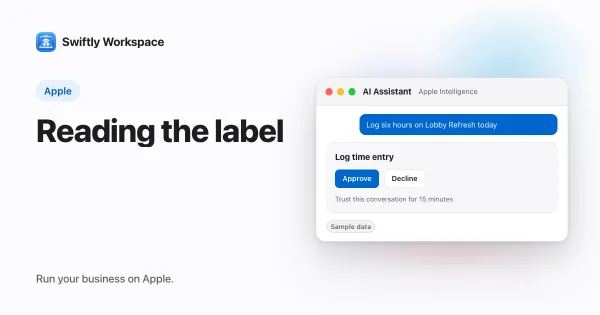
| Built for the Mac | Menus, shortcuts and windows behave as they do in every other Mac app | Read the App Store listing; iPad apps on a Mac carry the label "Designed for iPad" |
| Records in their own windows | A customer and an invoice can sit side by side | Open two records at once during the trial |
| One data set | Customers, invoices, projects and time stay connected, with no copying between tools | Follow one customer from project to invoice |
| iPhone and iPad apps | The same records are with you away from the desk | Change a record on one device and look on another |
| Modules you need | You pay for, and see, what your business uses | List your must-haves before you compare |
| Pricing that fits growth | Adding people or modules should not surprise you | Read how the price changes with team size |
The modules a small business usually needs
- Customers and contacts. Names, addresses, VAT numbers and the people you deal with.
- Invoicing. Invoices, credit notes and often proformas, with numbering and VAT handled properly.
- Payments. Knowing what has been paid and what is still open.
- Projects and time. For service businesses, the work you invoice is the time your team logs.
- Suppliers. Vendors and the bills they send you.
Not every business needs all of them on day one. A good fit lets you turn on what you use and leave the rest out of the way. For how vendors package these, how plans and modules are priced explains the common models.
Native app or something else
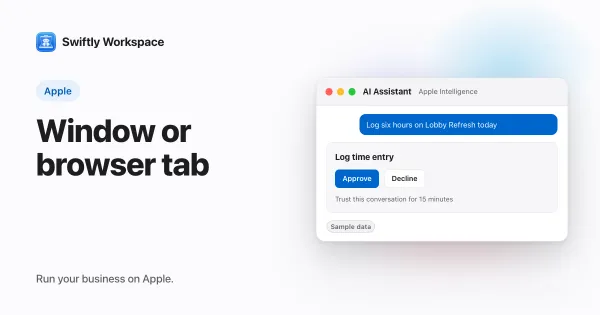
Three kinds of software end up on a Mac. A native Mac app is built for the Mac. An iPad app can run on Apple silicon Macs, and the App Store labels it "Designed for iPad"; it keeps its touch-oriented layout. A web app runs in a browser tab. Each can work, but they feel very different over a long working day. Native and web apps for business compares them in detail, and what "Designed for iPad" means on a Mac explains the label.
Native apps can also take part in features of the operating system that browser tabs cannot reach. For one example, see how system search reaches inside apps, and ask any vendor which of those features their app supports.
How Swiftly Workspace fits
Several native Mac apps exist for running a small business, so compare a few. Here is what Swiftly Workspace offers on the Mac.
- A native Mac app. It is built for the Mac rather than an iPhone or iPad app running on it, and there are apps for iPhone and iPad as well. It needs macOS 26 or later, or iOS or iPadOS 26 or later.
- One sidebar for the business. The work is grouped under CRM, Projects, Finance and Vendor Management.
- Customers and vendors, with their contacts and addresses.
- Invoices, credit notes and proformas. Each invoice opens in its own window, next to the customer or anything else you have open.
- Projects in phases, work packages and tasks, with budgets.
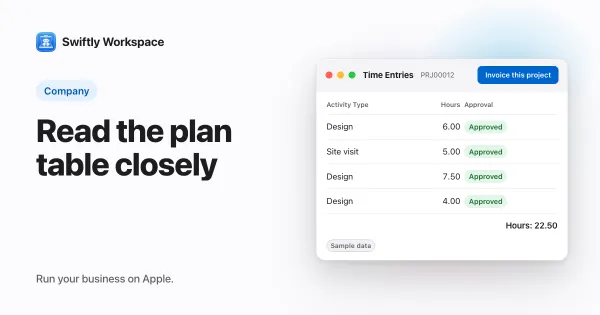
- Timesheets with approval. Team members log time and submit their timesheets; admins with approval rights review them under Timesheet Approvals in Projects.
- Invoicing from a project. In a project window, Invoice this project creates a draft invoice from the project's approved billable hours that have not been invoiced yet. A person checks it and finalizes it.
- The same records everywhere. Each app reads your company's workspace from the same server, so what you change on the Mac is there on iPhone and iPad.
It does not keep your books: your accountant's bookkeeping stays where it is. For a closer look at the pieces, read why a CRM with invoicing saves time and how timesheet approval works, and for working with several records at once, working in multiple windows on a Mac.
A short evaluation plan
- Write down your must-haves. The modules from the list above that you use every week.
- Check the App Store listing. Is there a Mac app, and is it built for the Mac?
- Run a real week. Enter real customers, write real invoices and log real hours, on the Mac and on your phone.
- Test the team side. Invite a colleague and check what they can see and approve.
- Ask about your data. How do you get it out if you leave, and in what format?
- Read the pricing. Check what changes as you add people or modules.
Records that stay in step across devices are a large part of the daily experience; keeping business data in sync across iPhone, iPad and Mac explains what to expect.
Frequently asked questions
Is there ERP software for the Mac?
Yes. Several business management apps run natively on the Mac, covering customers, invoicing, projects and time. Large enterprise suites are more often used in a browser, so check whether a vendor offers a real Mac app or a web app.
Which small business software runs natively on a Mac?
Look at the App Store listing. A native Mac app is listed for the Mac itself, while an iPad app running on a Mac carries the label "Designed for iPad". Swiftly Workspace is a native Mac app with iPhone and iPad apps alongside.
Should business software on a Mac also run on iPhone?
For many owners and managers, yes. Customers call while you are out, and approvals do not wait for you to get back to your desk. Check that the phone app shows the same records as the Mac.
Run your business on Apple.
Create your account on the web, then set up your workspace in the app on your iPhone, iPad or Mac.
Create your account