Prompts for running a service business from a chat window
The most useful AI prompts for a service business ask about your own records: which invoices are overdue, what a client still owes, how many hours went into a project. Name the client or project, give a time frame and say how you want the answer, such as a table.
Generic prompt lists are written for a chatbot that knows nothing about your business. A chat that can look things up in your own customers, invoices and timesheets needs different prompts: shorter, more specific, and closer to the questions you already ask yourself on a Monday morning. The prompts below are written for Main Chat in Swiftly Workspace (Conversations in the app), and most work just as well in any AI chat connected to business data.
What makes a good business prompt
| Part | Example | Why it helps |
|---|---|---|
| Who or what | "Lindqvist Design", "the Harbor Street project" | Names as they appear in your lists are easy to look up |
| When | "this month", "since June", "last quarter" | Narrows the lookup and keeps the answer short |
| What you want back | "as a table", "in three bullet points", "one number" | You get the shape you can act on |
| What it is for | "for a client call", "to send to my accountant" | Lets the AI pick what to include |
Prompts for getting paid
- "Which invoices are overdue? Show them as a table with customer, amount and days late, oldest at the top."
- "What does Lindqvist Design still owe us, invoice by invoice?"
- "Which payments came in this week, and which invoices do they belong to?"
- "Show me invoice 2026-0042." (This one comes back as an invoice preview you can read on its own.)
Start the week with the overdue list. It turns "I should chase some invoices" into five names and five amounts.
Prompts for client work
- "Who are our contacts at Lindenhof? Give names, roles and phone numbers."
- "What have we invoiced Lindenhof this year, and how much of it is paid?"
- "Which customers did we invoice most this quarter? Rank the top five by total."
Ask the second one five minutes before a client call. You go in knowing the numbers instead of looking them up while the client waits.
Prompts for projects and time
- "How many hours did the team log on the Harbor Street project this month? Split by person."
- "Summarize where the website project stands: phases, hours logged so far and what has been invoiced."
- "How many of my hours last week were billable?"
- "Which of my timesheets are still drafts?"
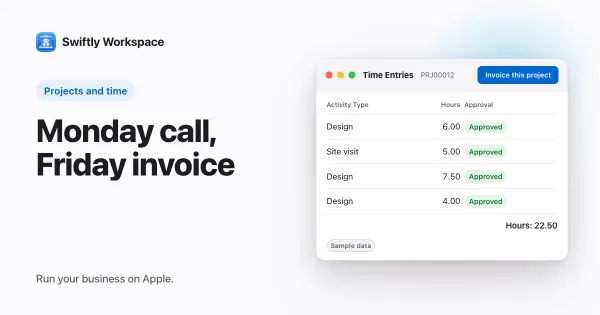
For a consultant or a small agency, the hours questions matter most: they show early whether a fixed-price job is running over, and whether everyone's week is on the books. A consultant's week in one workspace shows where these questions fit between the client call and the invoice.
Prompts for writing
The assistant can also write, using what it finds in your records. You read the result and send it yourself.
- "Write a short, friendly message to Lindqvist Design saying invoice 2026-0042 is due on Friday."
- "Write a three-line project update for Lindenhof based on the hours logged this month."
- "Turn this month's invoices into a short summary I can send to my accountant."
Prompts for month end
- "List this month's credit notes as a table."
- "Total invoiced per customer this month, from highest to lowest."
- "Which proformas are still open?"
Tables and reports come back as artifacts in the conversation, so you can read them on their own instead of scrolling through chat text. How chat artifacts work covers each kind.
Tips that save a second round
- One question per message. "Overdue invoices, and also hours on the website project" tends to get half an answer. Ask twice.
- Follow on, don't start over. After a table, "now just the ones over 30 days" uses the answer you already have.
- Check the figure you act on. Before you call a client about an amount, open the invoice itself. The chat is the quick way in; the record is the source.
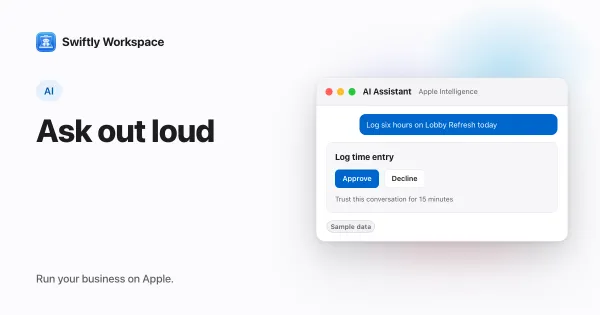
- Say it out loud. On iPhone, iPad or Mac you can tap the microphone and speak the prompt; talking to your business app explains how.
Questions in Conversations, changes in the record
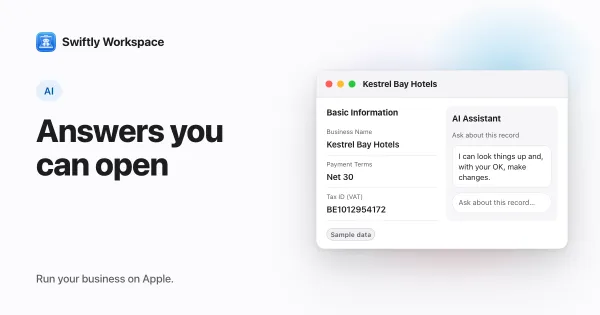
These prompts ask questions. To change one customer, invoice or project, open that record and use its own AI assistant: there, changes like adding, updating, finalizing or recording wait for your Yes before anything is saved. Why AI should ask before it changes your data explains why that matters.
Which AI answers depends on your setup. Cloud AI runs on your company's own key for a provider such as OpenAI or Mistral; with a cloud provider, your message and the records looked up to answer it go to that provider. Apple Intelligence works on supported devices, and then the text isn't sent to a cloud AI provider. How to choose an AI provider helps you decide, and asking questions about your own data explains how the chat finds its answers.
Frequently asked questions
Do ChatGPT prompts work on my own business data?
Not on their own: the chat has to see your data. A general chatbot can draft text, but it cannot know which of your invoices are overdue. A chat connected to your records, such as Conversations in Swiftly, can look that up, so prompts can name real customers and projects.
How long should a business prompt be?
One or two sentences is usually enough. Name the customer or project, give a time frame, and say how you want the answer. Longer prompts help when you ask for writing, where tone and length matter.
Can I save my favorite prompts?
Keep them in a note and paste them in, or simply say them with the microphone. Most of the prompts above are short enough to type from memory after a week or two.
Will two AI providers give the same answer?
The figures come from your records, so they should match. The wording, the level of detail and how a table is laid out can differ between providers, which is why some teams test two before settling on one.
Run your business on Apple.
Create your account on the web, then set up your workspace in the app on your iPhone, iPad or Mac.
Create your account